Thursday, 10 March 2016

editing lucy for advert


I have cropped Lucy and selected the background and used the masks tool to mask the edge and smooth the outline out to place onto a new background instead of the green background.
 
 
I used the colour replacement tool to get rid of the green tint on Lucy's jumper.
 
 
I will then make suitable touch ups to make it look right with the rest of the advert.
 
This is how I edited all of my photographs of ellis to go onto the advert and digipak as well as how I plan to edit the photograph of lucy for the digipak


advert progress 5

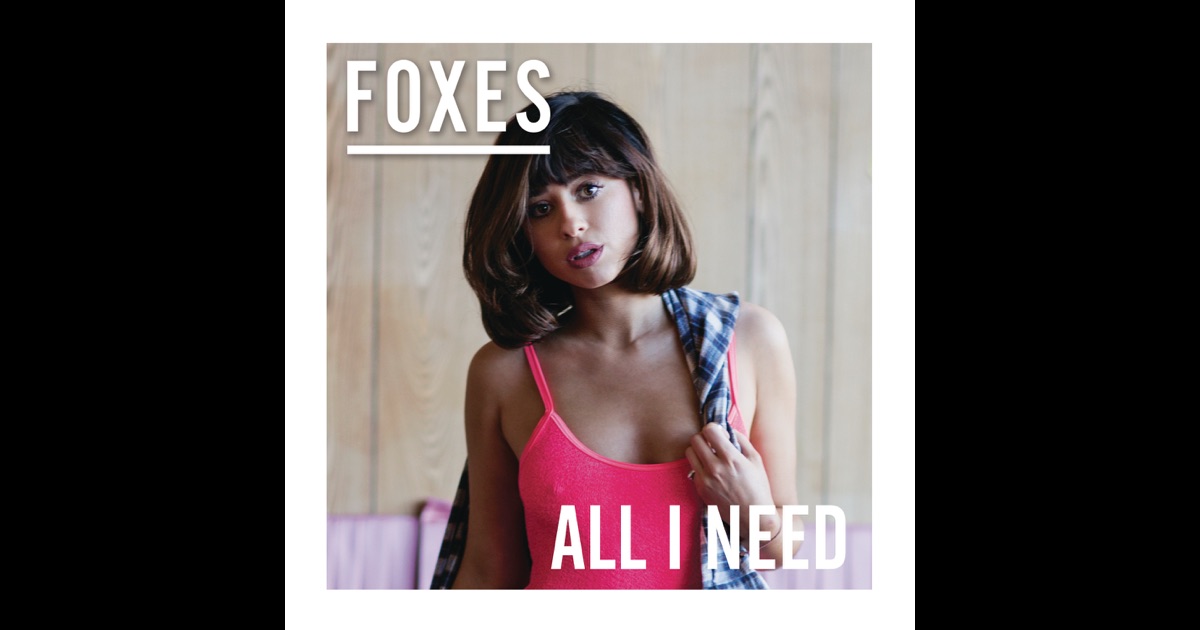
I have placed everything where I like it ready for the placement of the photograph of Lucy. I have made sure everything is central and created my own logos for HMV and Republic Records. I changed the letters myself by adding extra lines onto Fearless to make it stand out more and make it look original. I have placed Ellis in a white box as inspired by the white border of Foxes "All I Need" album cover.
 
I have also moved the text around to make it look more spaced out and not have everything down in the bottom.

Tuesday, 8 March 2016

digipak inspiration

I am using this as a style model for my digipak with the way it is monochrome on the cover (which I will slightly be following) and then full of colour on the inside which I will be doing with the overlapping polaroids.

Friday, 4 March 2016

Digipak and advert progress 4


I added a very subtle gradient onto the background of the poster and digipak to make it look like it had more depth. I took this idea from the "Perfect" single cover by One Direction. the plain black was too 2D.

digipak style models

these are the digipaks I am using as partial style models to my own. I am also taking these into consideration whilst making my advert as the digipak and adverts of a certain album will usually look very similar.